Video & Audio Timestamp Math
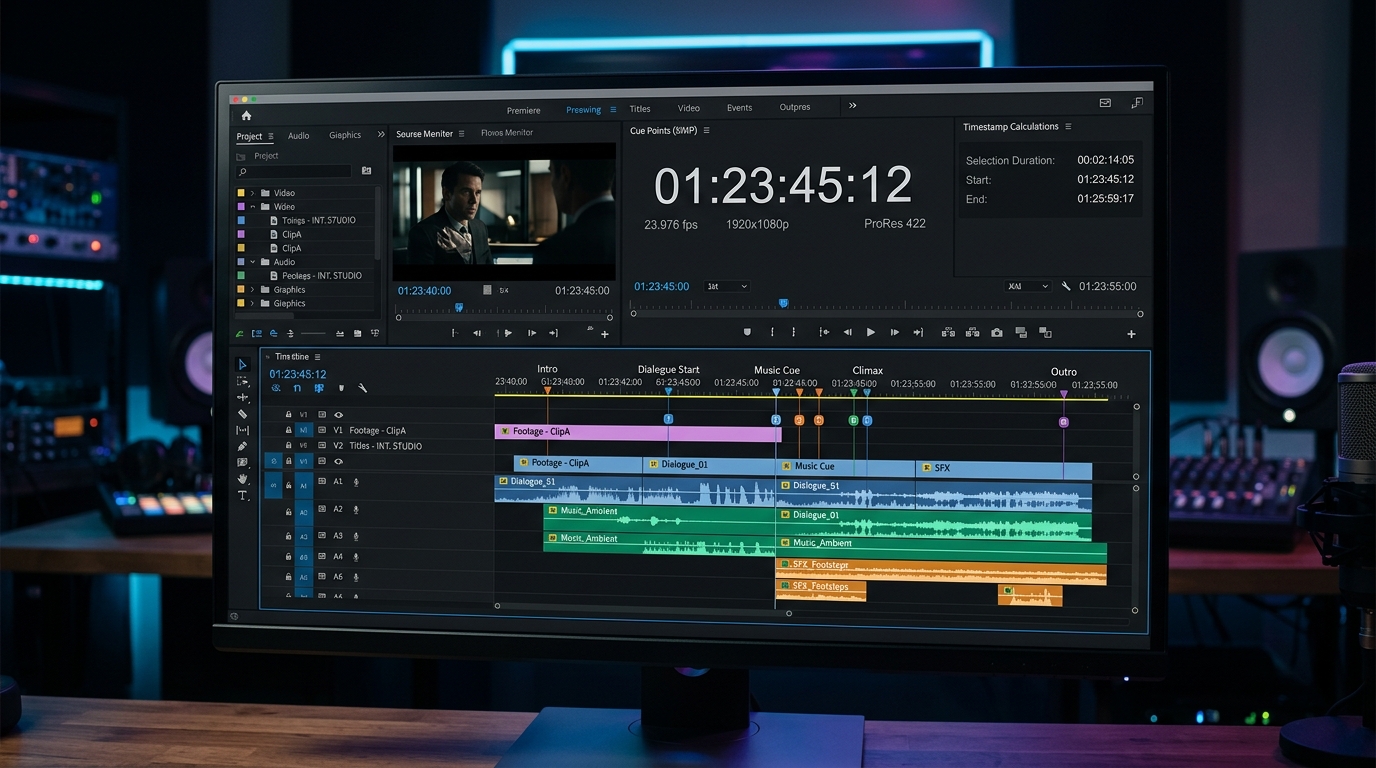
In timeline video editing and multi track audio production, utilizing DaVinci Resolve, Adobe Premiere Pro, Final Cut Pro, Audacity, or Pro Tools, calculating cumulative sequence runtimes, trimming audio stems, and establishing chapter markers is a daily requirement.
1. Cumulative Sequence & B Roll Length Tallying
When assembling multi scene documentary cuts or commercial spots, adding clip durations in base 60 sexagesimal format prevents timeline overflow:
- Scene 1 (Intro & Hook):
00h 04m 12s - Scene 2 (Main Interview):
00h 08m 45s - Scene 3 (B Roll Montage):
00h 02m 18s - Scene 4 (Case Study):
00h 15m 30s - Scene 5 (Outro & CTA):
00h 01m 05s
Adding these 5 sequences with our automated calculator yields an exact cumulative timeline of 00:31:50 (1,910 total seconds), instantly confirming whether the edit satisfies broadcast or streaming delivery constraints.
2. Generating YouTube and Podcast Chapter Markers
Content creators building YouTube videos and Spotify podcast episodes must provide sequential chapter timestamps:
- Chapter 1 (Start):
00:00:00 - Chapter 2: Add Chapter 1 duration (
03m 45s) $\rightarrow$ Timestamp00:03:45 - Chapter 3: Add Chapter 2 duration (
08m 20s) $\rightarrow$ Timestamp00:12:05 - Chapter 4: Add Chapter 3 duration (
14m 15s) $\rightarrow$ Timestamp00:26:20
Rather than calculating sexagesimal carries manually in a text editor, simply add each consecutive segment into the calculator to generate perfect chapter cues.
3. Audio Stems, Intro Padding & Offset Trimming
When layering intro theme music or sound design beds:
- Podcast Episode Duration:
48m 30s - Intro Theme Music:
+00m 45s - Sponsor Message Deduction:
minus 02m 15s - Final Master Stem Runtime:
48m 30s + 00m 45s minus 02m 15s = 47m 00s
Using Time Addition Calculator’s interactive HH : MM : SS interface eliminates timeline rounding drift and keeps audio and video sync frame perfect.